No long-term contract.
Start with month-to-month processing and understand the agreement before committing.
 Book an audit
Your business needs more than a way to accept cards. Swype helps you understand your payment costs, choose tools that fit how you work, and get personal support when you need it.
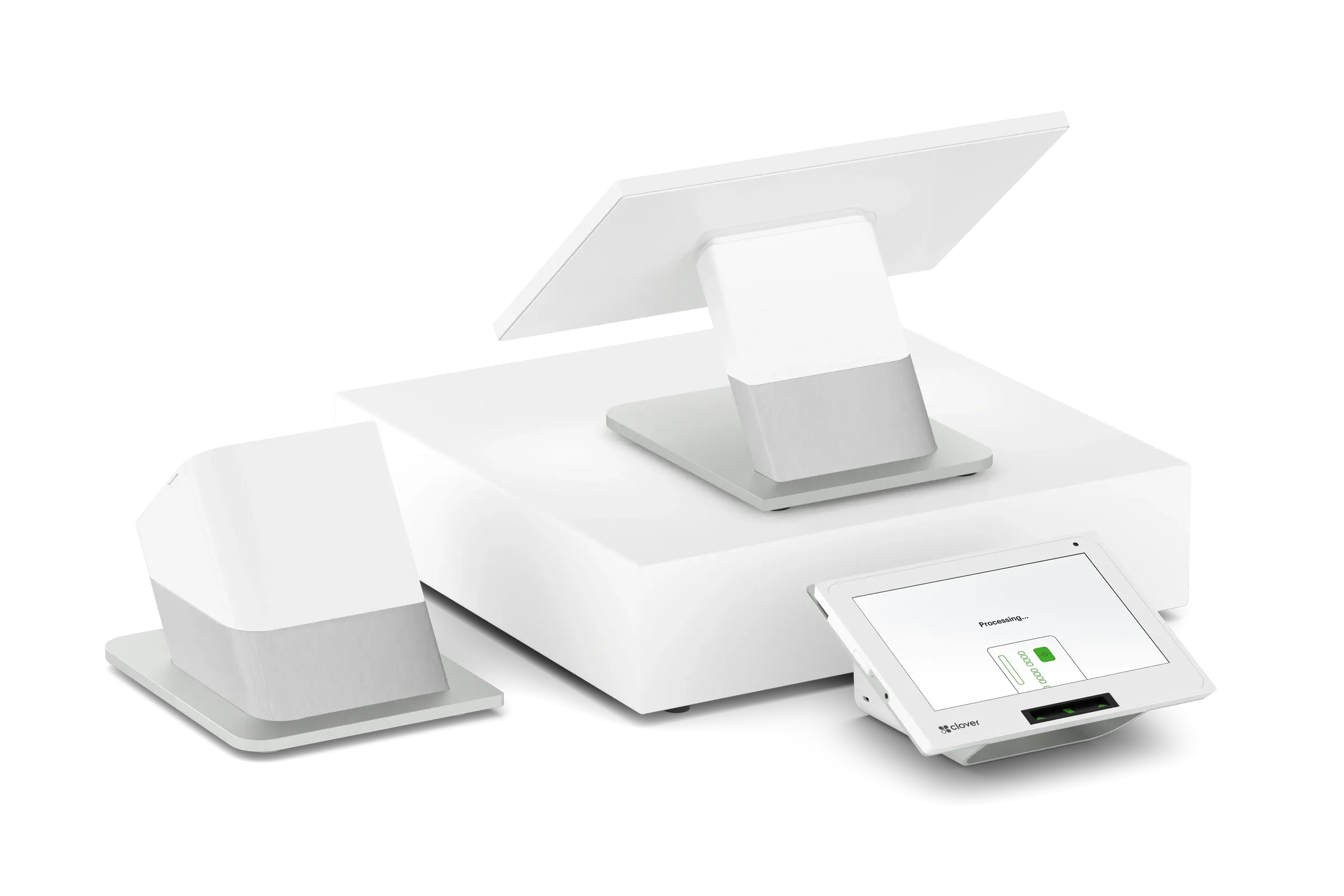
Build your payment setup around your business from day one: no long-term processing contract, no equipment lease fees on qualifying program equipment, and transaction pricing explained before you sign.
Set up my new business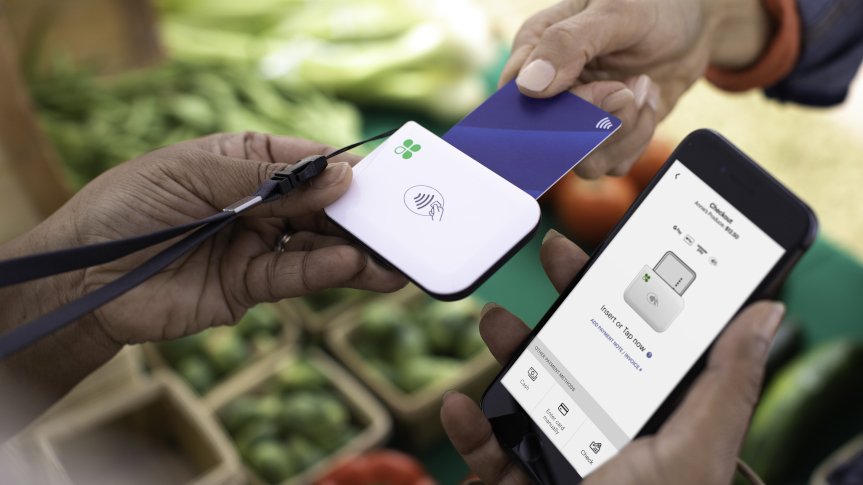
Start with month-to-month processing and understand the agreement before committing.
Explore qualifying program equipment without an equipment lease. Confirm availability and return terms in your offer.
Get the processing structure and applicable charges explained up front. Know what you’re paying and why.


Illustrative business-owner images. People shown are not customer testimonials.
You work hard for every sale. Know how much of it goes to payment costs, and whether your current setup is worth what you pay.
Processing fees support banks, card networks, and payment providers. Some costs are necessary. Unnecessary charges and expensive equipment agreements deserve a closer look.
Start with your monthly card sales and effective processing rate, then add equipment and other payment costs. The starting 3.99% rate is an editable example, not a national average or Swype rate.
Processing cost = monthly card sales × rate × 12. Equipment and other monthly costs × 12. This calculates your current cost, not a Swype quote or savings estimate. Values stay on this page.
The FTC warns that some businesses have paid thousands to lease processing equipment that would cost only a few hundred dollars to buy. Check the total term, cancellation rules, ownership at the end, and any personal guarantee before signing.
Read the FTC’s equipment lease guidanceStart with your statement and equipment agreement. Let’s see where money could stay in your business, and back in your pocket.
There is no single annual average that represents every business. Cost depends on card volume, transaction mix, pricing, software, and equipment. The examples above show the math; they do not establish overpayment or predict Swype savings.
 Clover partner
Love Clover. Tired of the lease and processing costs? Keep Clover in your business with a fresh setup through Swype.
Swype takes back your qualifying old Clover equipment and replaces it with new equipment at no equipment cost. If you’re in a lease, we help you work toward ending it. Your new setup comes without equipment lease fees and with month-to-month processing.
Review my Clover buy backCLOVER TOOLS. SWYPE SUPPORT.Trade in your old equipment for new equipment. If you have a lease, ask us for help working toward ending it. Qualification and replacement terms are confirmed in writing.
Qualified merchants can pass eligible credit card processing fees to customers through an approved, clearly disclosed program, where permitted. Swype helps review the right structure for your business and customer experience.
Credit card surcharges cannot be applied to debit or prepaid cards, even when processed as credit. Applicable law, card-network limits, customer disclosures, and processor approval govern the setup. Other fees may remain.
Swype offers this program with Clover as the POS partner. Existing lease obligations remain until the lessor agrees to a resolution; lease-ending assistance is not a guaranteed cancellation or payoff. Equipment eligibility, ownership or return requirements, and assistance are confirmed in writing.
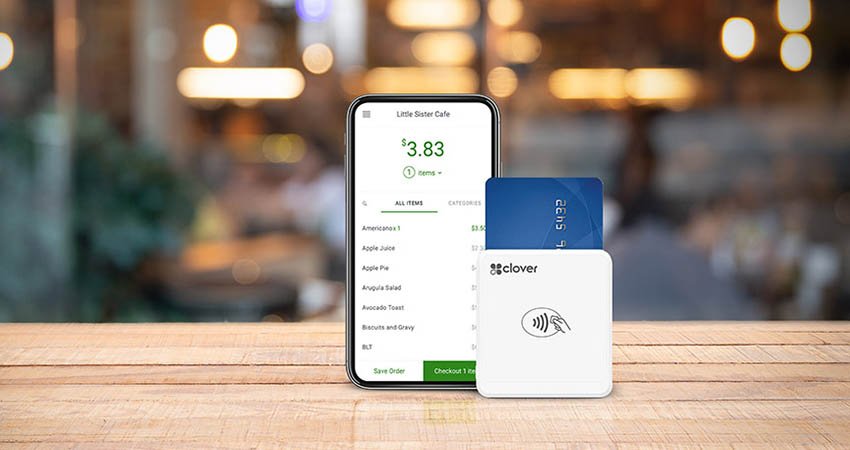
Give customers a convenient way to pay while your team manages checkout. Explore Clover POS systems, card terminals, and tools suited to the way you serve customers.
Tell us how your team works, which systems you use, and what you need your software to do. We’ll explore available configuration, integration, and customization options with you.
“SWYPE took the complexity out of our payment processing, reducing our fees while increasing support with their dedicated account team.”
Navi P. / Liquor Warehouse
Customer testimonial published on SimplySwype.comIndividual customer experience. Results vary by business and payment arrangement.
You don’t need a renewal notice or a broken terminal to take a closer look at your payment costs.
Review your processing and lease expenses while you have time to compare options. If you’re opening a business, choose your setup before signing an equipment agreement.
Choose payments and equipment before your first sale.
Review the remaining balance and replacement options.
See how today’s pricing adds up at your current volume.
You shouldn’t have to switch first to understand the value. Start with a conversation about what’s working and what needs to improve.
Tell us how you accept payments, which tools you use, and where the friction shows up.
Compare processing, equipment, software, and terms in one conversation.
If the fit is right, plan your setup and transition with the Swype team.
Clover is our point-of-sale partner. Swype’s Clover Buy Back & Revamp Program replaces qualifying existing Clover systems for free, offers replacement equipment without lease fees, and provides month-to-month processing with no long-term contract. The program is offered by Swype.
Yes. Swype also offers card terminals, online payments, invoicing, virtual terminals, and mobile payment options. The right solution depends on how you collect payments.
A review can identify potential savings, but the result depends on your transaction volume, card mix, current agreement, and proposed setup. Compare the full cost, including software and equipment, before deciding.
Yes. Swype takes back qualifying old Clover equipment and replaces it with new equipment for free. If you’re in a lease, we help you work toward ending it. Bring your statement and lease so we can confirm the equipment offer and assistance in writing. Cancellation or payoff is not guaranteed.
Qualified merchants can use an approved customer-paid processing arrangement where permitted. Credit card surcharges require clear disclosure and compliance with applicable law, network limits, and processor requirements. Debit and prepaid cards cannot be surcharged, even if processed as credit. We review your transaction mix and customer experience before recommending a setup.
Funding timing depends on your account approval, processing arrangement, cut-off times, bank, and transaction activity. Ask the team to confirm the funding options available for your business.
A recent processing statement, your equipment and software details, and any current contract terms are a useful starting point. Share documents through the secure process provided by your account team.
Book an audit before deciding. We’ll review your processing statement, equipment costs, and current agreement so you can compare your options. You can also ask for more information or request onboarding.
This form requests an audit or a conversation. Appointment availability and any audit fee will be confirmed before scheduling. Submitting it does not book an appointment or open a merchant account.
Go directly to the merchant application
Tell us what your business needs. We’ll help you explore the options.